Menu
Log in


Self-service completing pending event registrations for Members |
Q: How do I add a SCAUG event to my MS-Outlook calendar?
A: Any event in SCAUG can be automatically added to registrant MS Outlook/Mac calendar. Go to event page and open event details. In top-right corner you will notice a link Add to my calendar.
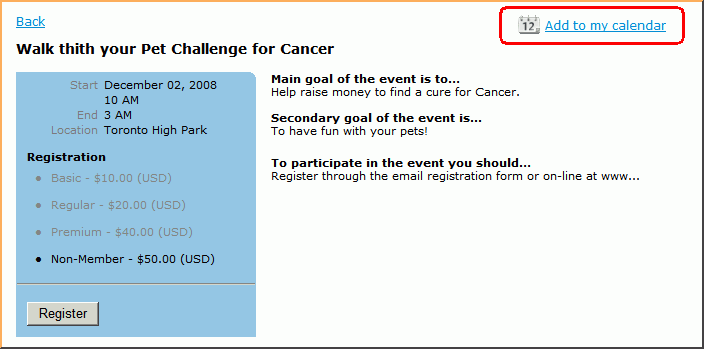
Click on the link to download the file. Here is how it looks like on Microsoft Windows computer:
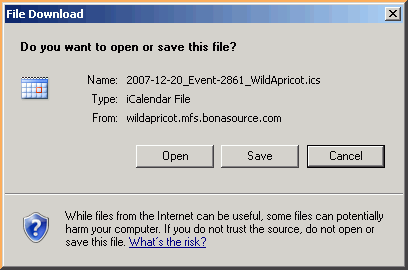
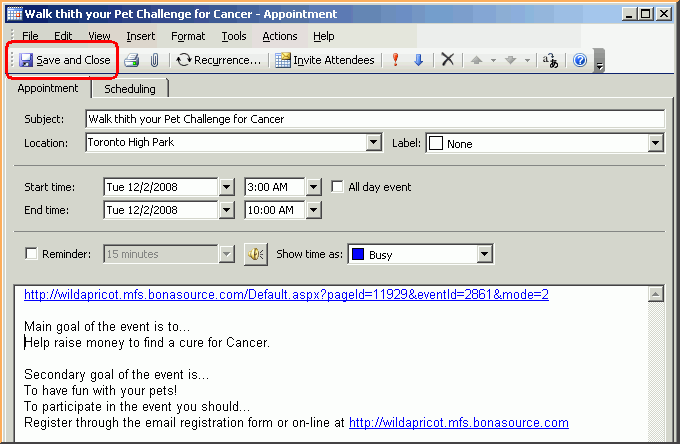
Click on [Open] button. You can add any notes and then save it. It will automatically add this event to your calendar, including event details and a link to event page.
SCAUG is a not for profit organization dedicated to benefit users of ESRI’s geographic information software | Founded in 1990 | © SCAUG 2019 | | South Central Arc Users Group P.O. Box 96 Ardmore, OK 73402 |

Powered by Wild Apricot Membership Software